Did you know that SMILE has a free alert bar that you can use to display urgent messages to your users?
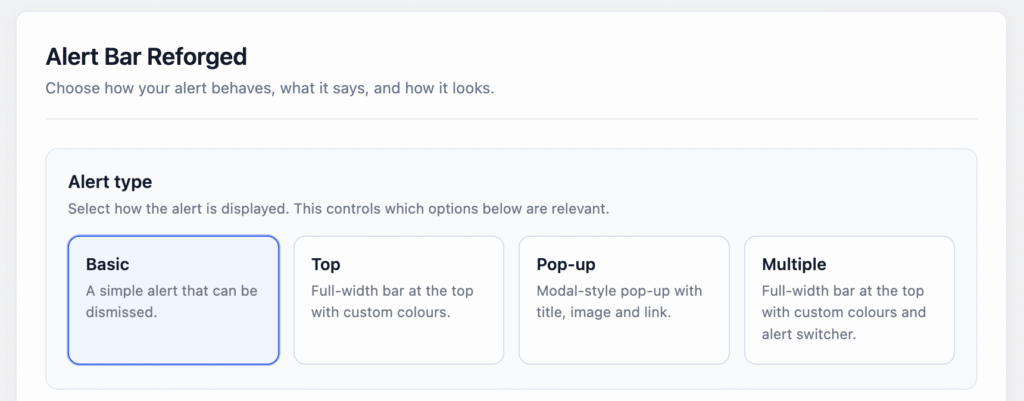
The alert bar provides several options for how to display your message.
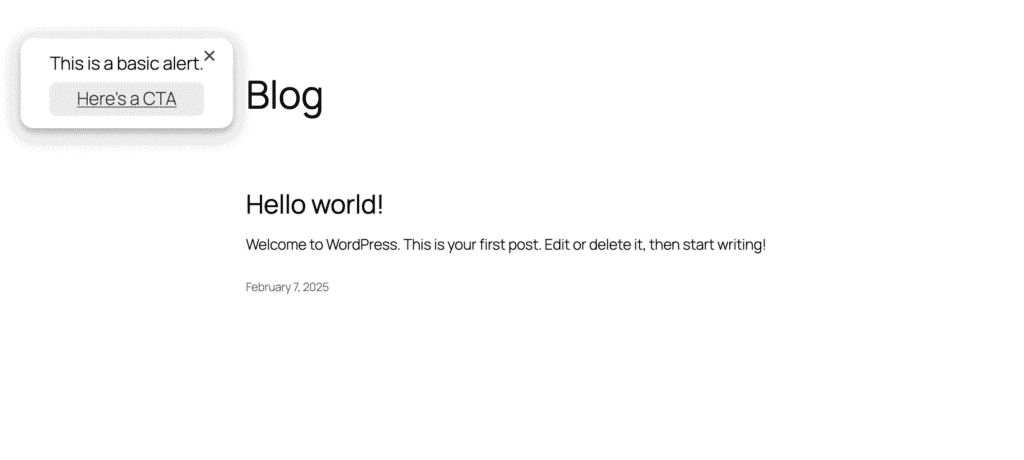
Basic
The basic alert bar allows you to display a simple message and button. You can allow users to dismiss this type of alert.
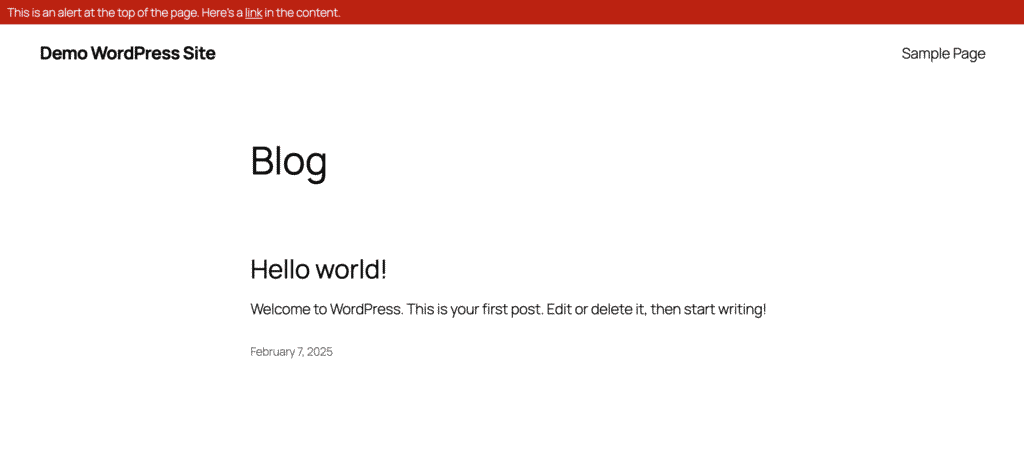
Top
This creates a narrow banner across the top of your site. You can customise the colour of the background and text.
Pop-up
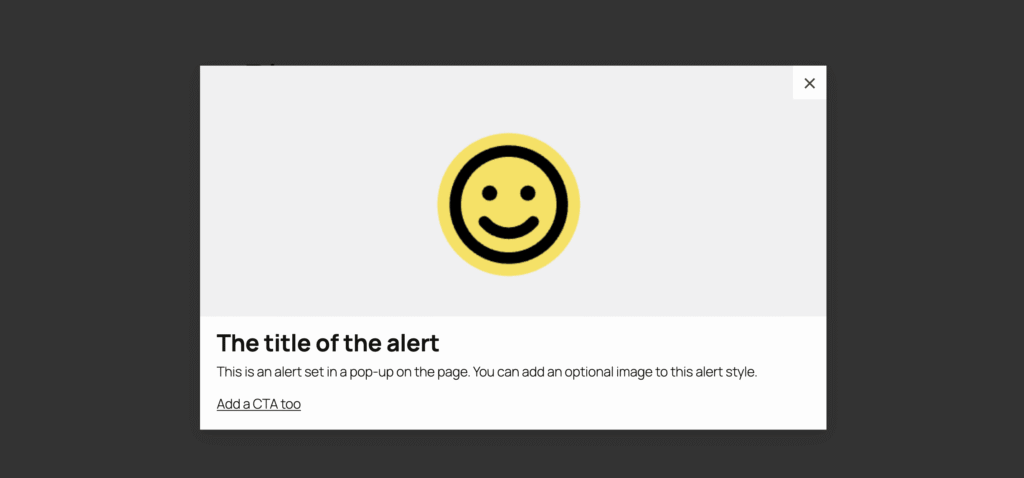
This alert appears as a modal pop-up overlaying your page. You can add an image if you’d like.
Multiple
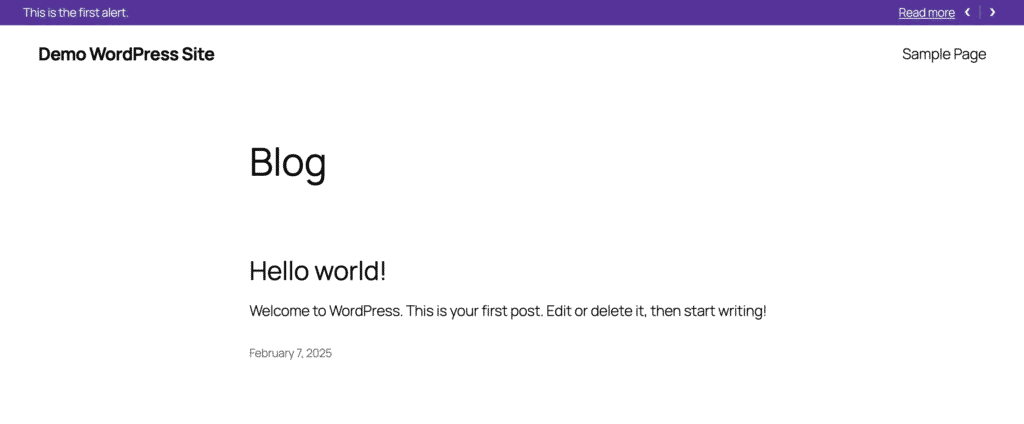
The multiple alert displays the same as the top (a narrow bar with customisable colours), but you can add more than one. Your visitors can switch between your alerts using the arrows at the right of the alert bar.